p2

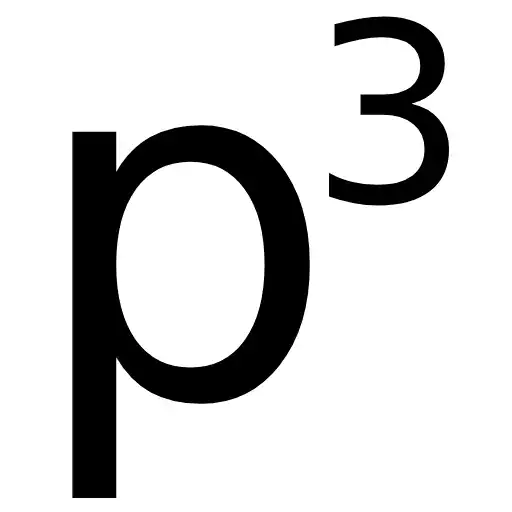
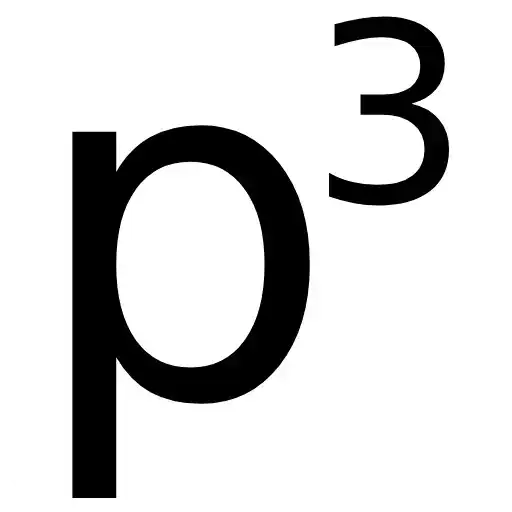
The supportive media (p2) is everything that adds to the story (p1) in its delivery (p3) whether as a presentation or visual aids. It should illustrate the message, not seek to annotate it. If you have visited the site looking for tips on using powerpoint, you will be disappointed. The discussion is around design concepts, use of text in slides, images and data slides used to illustrate and support the message. It is the least important part of a presentation. Some presentations may even be better without slides! Most importantly, the .ppt file is not your presentation.

the supportive media of a presentation should illustrate the message, not attempt to annotate it.

Cornerstone posts include.

p2 posts

generic slides

On generic slides

Generic slides are designed so that “anyone can give the same presentation and everyone receive the same information.” Few great presentations are given using generic slidesand many good presentations are…

data slide fail

data slides (1)

Data slides fail in a good scientific presentation if simply copied directly from the scientific paper. A graphic representation is more easy to interpret and remember than many words either…

can you see this at the back

Can you see this at the back?

The p2 is usually constructed on a laptop or desktop computer where the final slide size often fills the screen. The size of font is reduced as more and more…

thank you

Thank you!

I was recently working with a colleague who had developed an excellent presentation. The final slide was incongruous. It had a beautiful image with the words “Thank you” on it. Your…

picture

That’s not what I meant by that picture

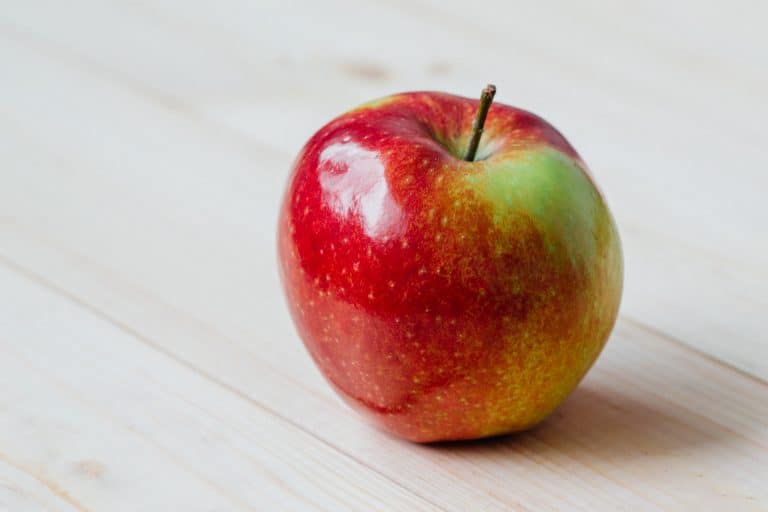
A picture can paint a thousand words. It is important that an image within p2 paints the words the presenter intends the audience to hear. A single image may have multiple meanings. It…

  • Text in presentations

    For the benefit of clarity, I am not…

  • One word for templates.

      One word for templates. No If you…

  • It’s a presentation not a…

    Take your phone out and have a look…

  • Consistency is the key

    Consistency adds significantly to a presentation. If you…

  • Less pies

    The use of charts to visually display data…

  • Herding chickens

    The major drawback of text on screen is…

  • Do not use this.

    Fontography 102. The font that you chose to…

  • Fontography 101

    People can get very excited about fonts but…

  • What sort of a presenter are you?

    The quality of a presentation is the product…

  • Don’t get me wrong.

    The reason that most text based presentations suck…