
p2

The supportive media (p2) is everything that adds to the story (p1) in its delivery (p3) whether as a presentation or visual aids. If you have visited the site looking for tips on using powerpoint, you will be disappointed. The discussion is around design conceptsuse of text in slides, images and data slides used to illustrate and support the message. It is the least important part of a presentation and some presentations may even be better without slides! Most importantly, the .ppt file is not your presentation.

Cornerstone posts include.
p2 posts

type not font

type not font

Type not font influences the reception of a message. I’m grateful to my friend Bob Connelly for this guest post where he shares some ideas on the use of type…

sans comic sans

Life is better sans comic sans. Fontography is a huge topic in itself. As a presenter one needs to understand that fonts “say” something and that influences the reception of…

no caption required

No caption required

In a scientific article an illustration or a figure is accompanied by a caption. There is no caption required in a presentation. Images should exist by themselves without a complex…

single image

Single image per slide

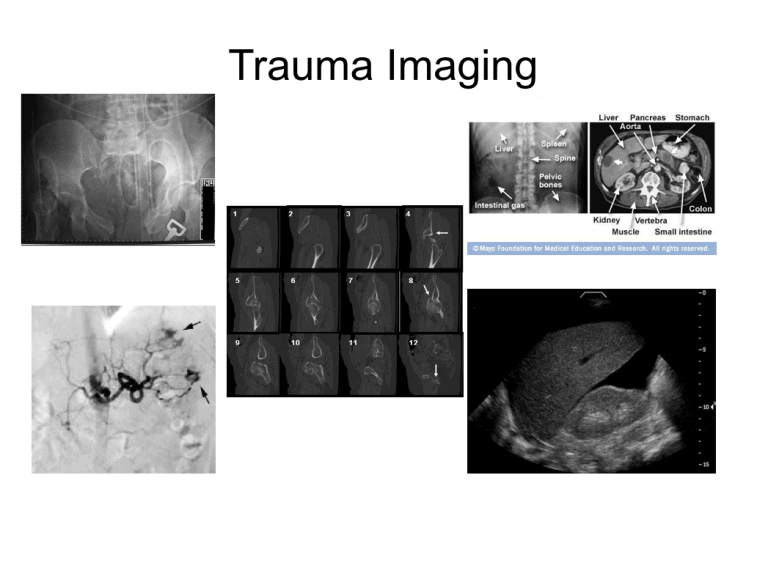
When constructing a slide use only a single image. The image should add to the message that is being delivered but not be the message itself. A few words can…

generic slides

On generic slides

Generic slides are designed so that “anyone can give the same presentation and everyone receive the same information.” Few great presentations are given using generic slidesand many good presentations are…

data slide fail

data slides (1)

Data slides fail in a good scientific presentation if simply copied directly from the scientific paper. A graphic representation is more easy to interpret and remember than many words either…

can you see this at the back

Can you see this at the back?

The p2 is usually constructed on a laptop or desktop computer where the final slide size often fills the screen. The size of font is reduced as more and more…

  • One Hundred Posts!

    Way back in March 2013 I published my…

  • The 5 Ps of Presentation

    In order to improve the value of a…

  • Can we use just a little bit of text? Please?

    The abiding question on many lips in trying…

  • How much data is too much data?

    I recently had the privilige of presenting to…

  • Your powerpoint is not an autocue

    One of the reasons some speakers are unwilling…

  • Illustrate, don’t annotate.

    The route to a better presentation has been…

  • It’s just not scientific…

    Recently I shared ideas with a colleague about…

  • I’m sorry…

    …for this busy slide.I’m sorry I didn’t think…

  • What is the best, new tool in presentations?

    An interesting post at The Harvard Business Review…

  • The maximum number of words on a slide is zero.

    A recent question on twitter to me was,…