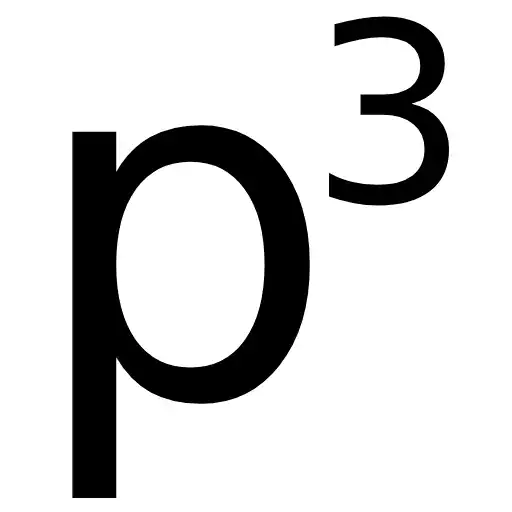
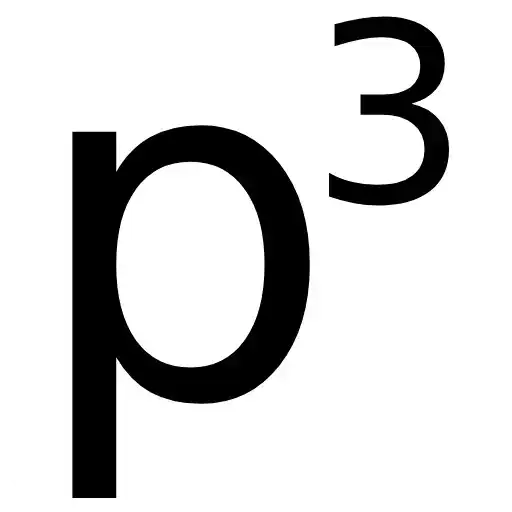
p2
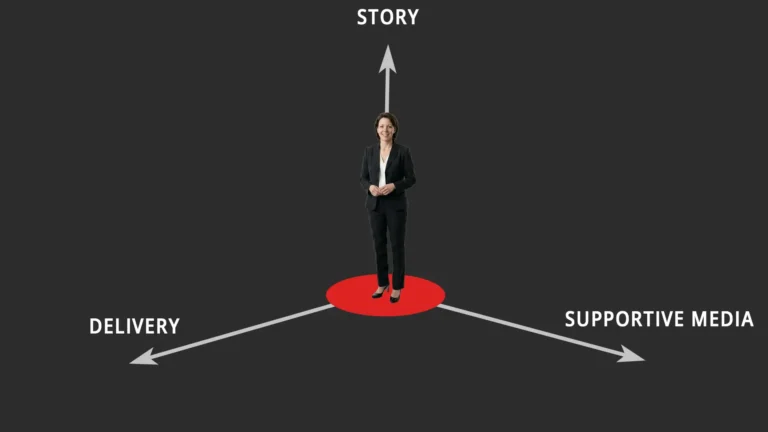
The supportive media (p2) is everything that adds to the story (p1) in its delivery (p3) whether as a presentation or visual aids. If you have visited the site looking for tips on using powerpoint, you will be disappointed. The discussion is around design concepts, use of text in slides, images and data slides used to illustrate and support the message. It is the least important part of a presentation and some presentations may even be better without slides! Most importantly, the .ppt file is not your presentation.
Cornerstone posts include.
What is the optimum number of slides in a presentation?
Whats the optimum number of minutes per slide and words per slide for a presentation? @ffolliet I’ve always used 1 min/slide and 4-6 x 4-6. — David Warriner (@doctordiscodave) December…
A good presentation doesn’t need slides, does it?
An interesting question and a good topic for debate when presentation geeks get together and have a few beers. (We do get together and have a few beers!) @stemlyns @_NMay…
Baby steps
It is often daunting when considering change, such as in presentations, to consider only the difference between an expert and your current position. This brings feelings of inadequacy, powerlessness and…
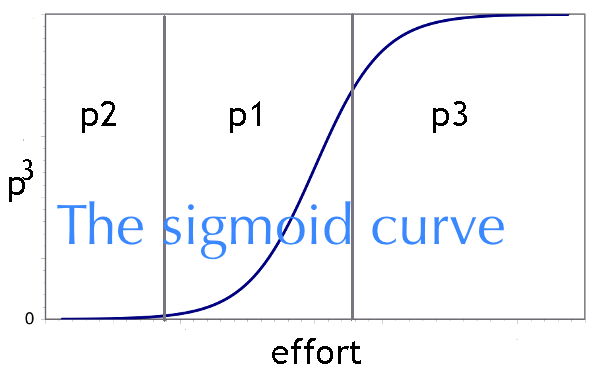
The sigmoid curve of preparation
The (perceived) overall value of a presentation, the p cubed value, is based on the product of the story (p1), the supportive media (p2) and the delivery of this (p3). Mathematically…
The value of backgrounds in presentations
Just for clarity, there is NO value in backgrounds in presentations.
I need to present more data. You don’t
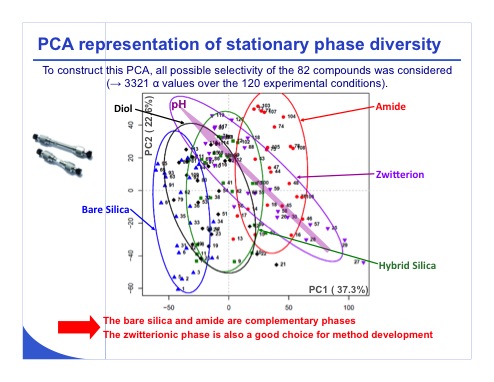
A frequent question from clinicians about presentations involves “all the data I need in my presentation.” I’ve addressed this before in various posts but it bears repeating. At a scientific…
How to use a bulletpoint…
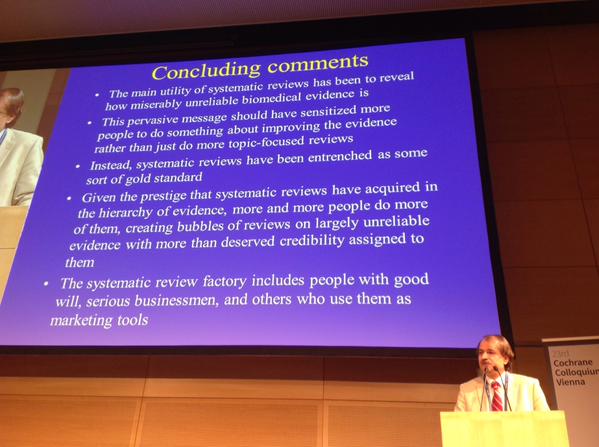
Professor John Ioanidis from Stanford University spoke at The Cochrane Colloquia in Vienna yesterday. His opinion on systematic reviews in biomedical research is that they are unreliable. I know this…
Prepare for failure
SO, the Chair has introduced you and you stride up to the stage, there’s a flicker behind you and your title slide appears on the 20m high screen. You press…